See the Control portal: people and groups, Active Directory / LDAP sign-in, linking a Pulse server with a role map, the Toolkit app sign-in policy, an app locked after wrong passwords and unlocked from Control, and the audit log.
Screenshots
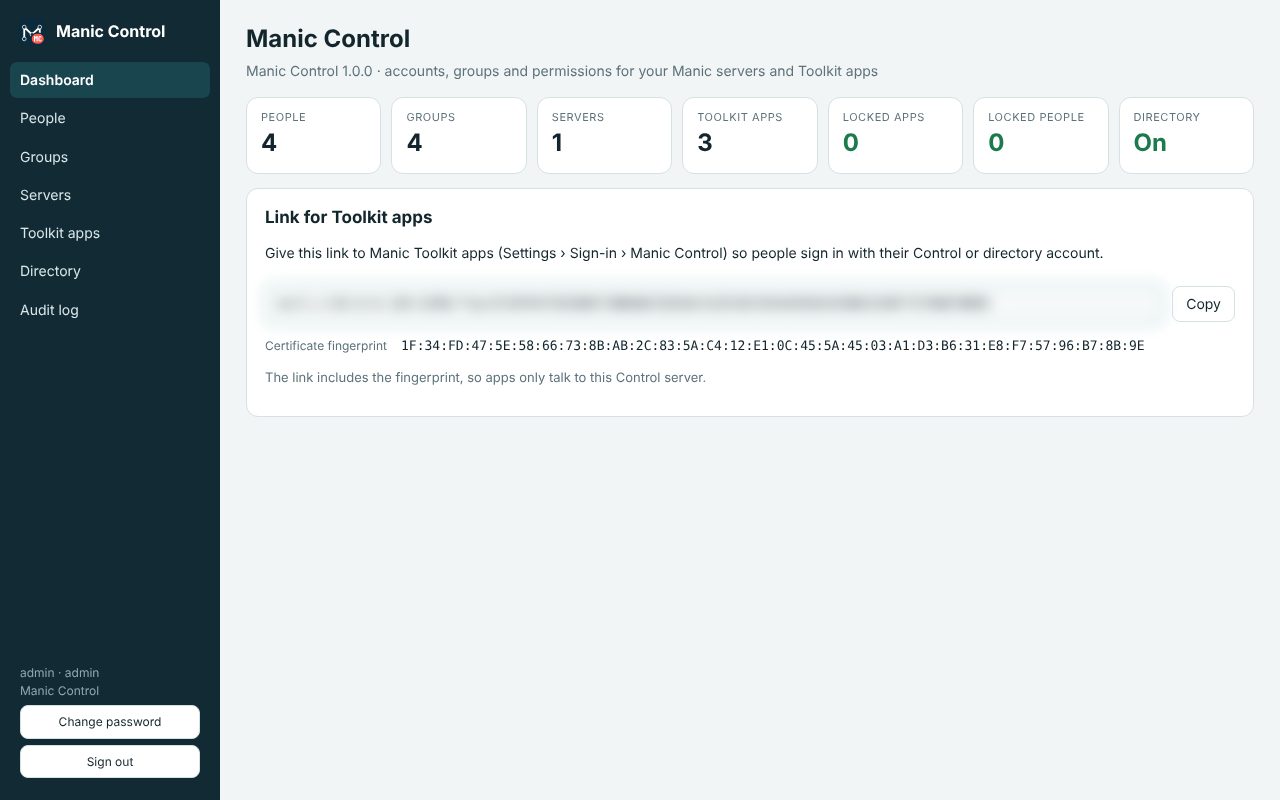
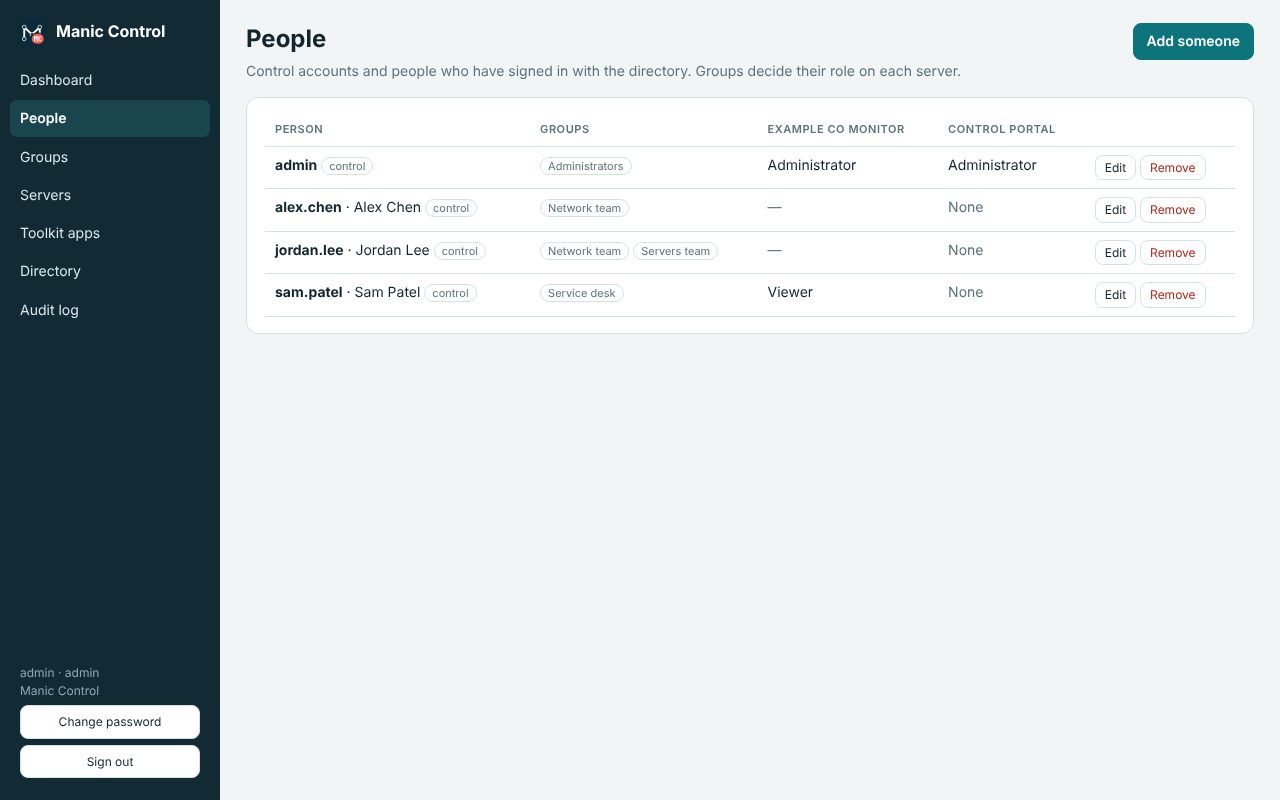
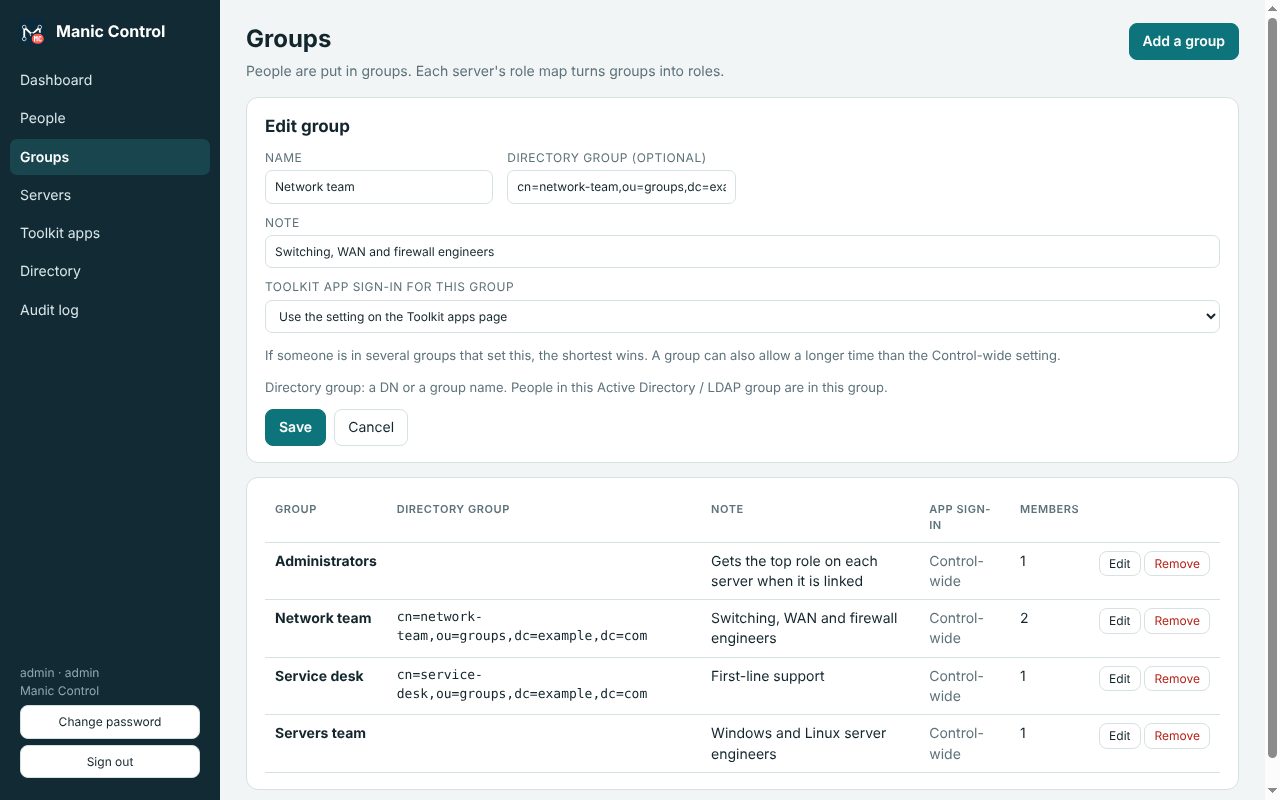
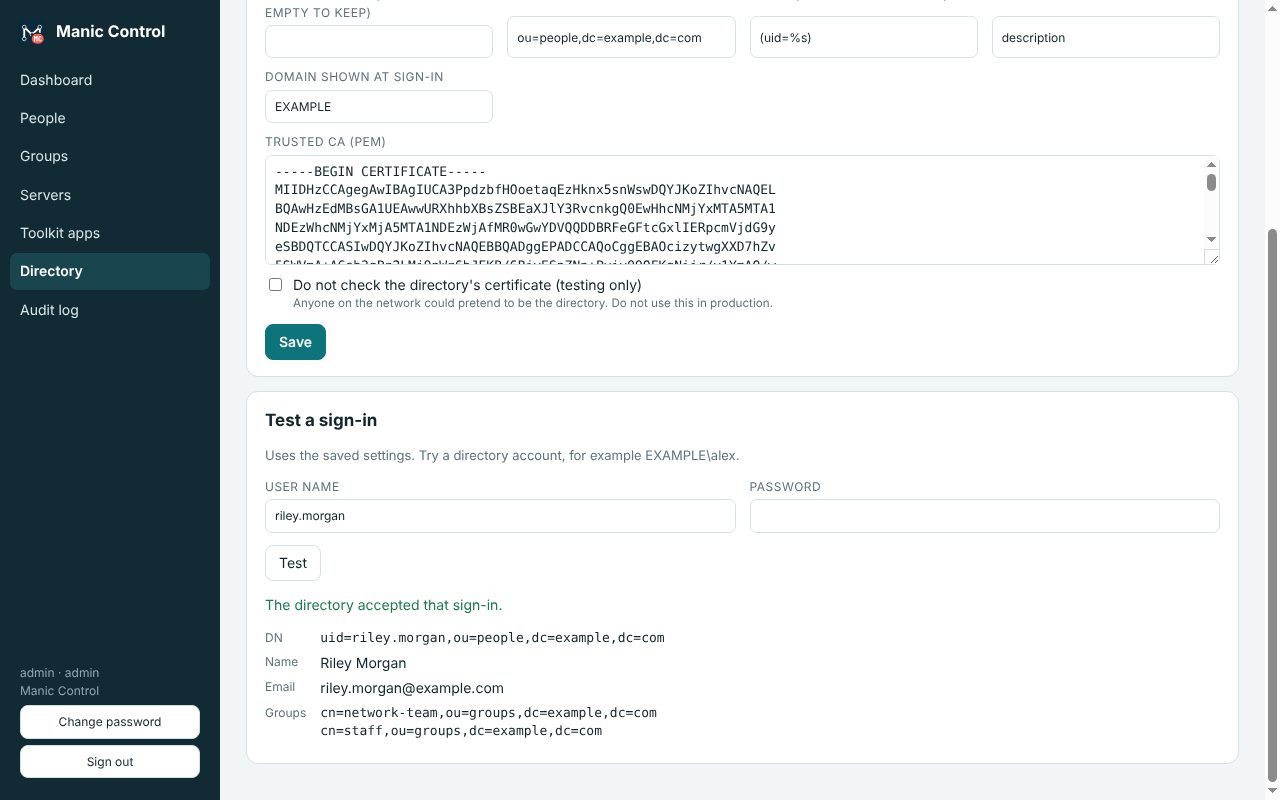
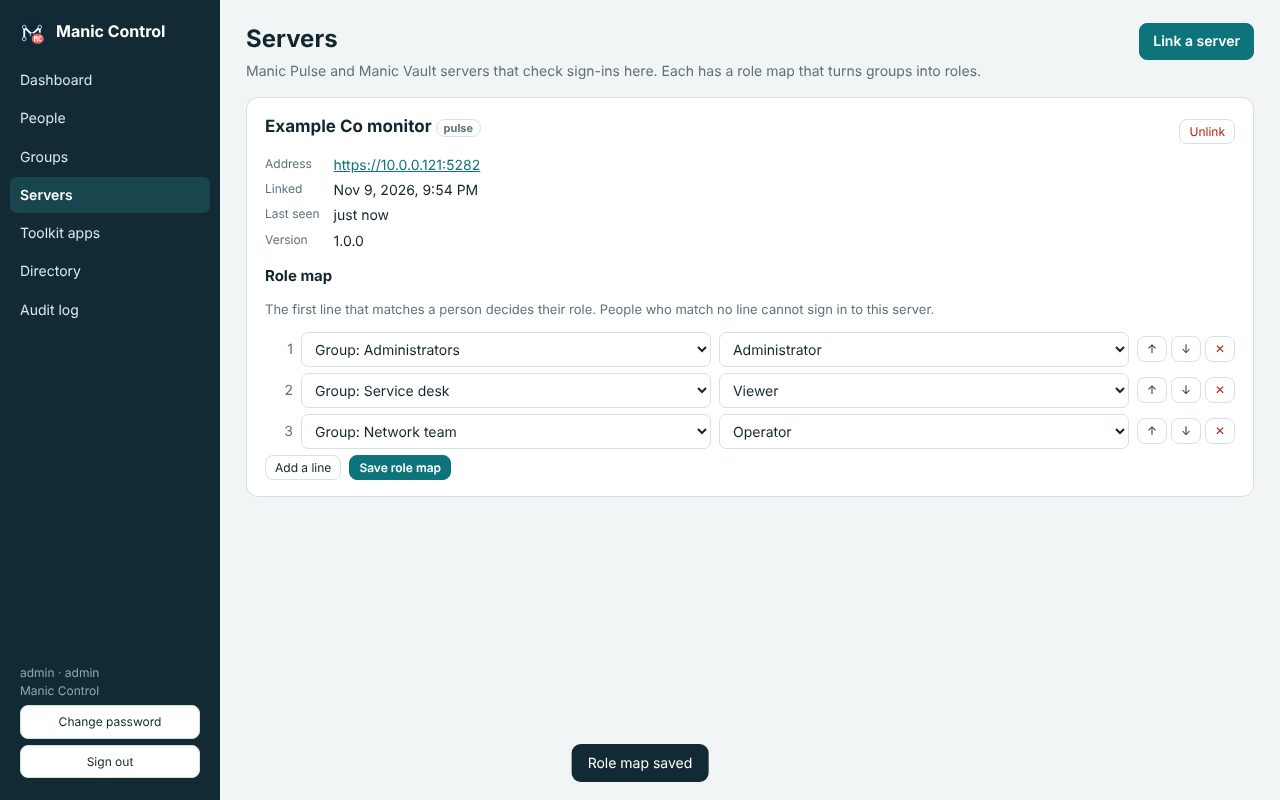
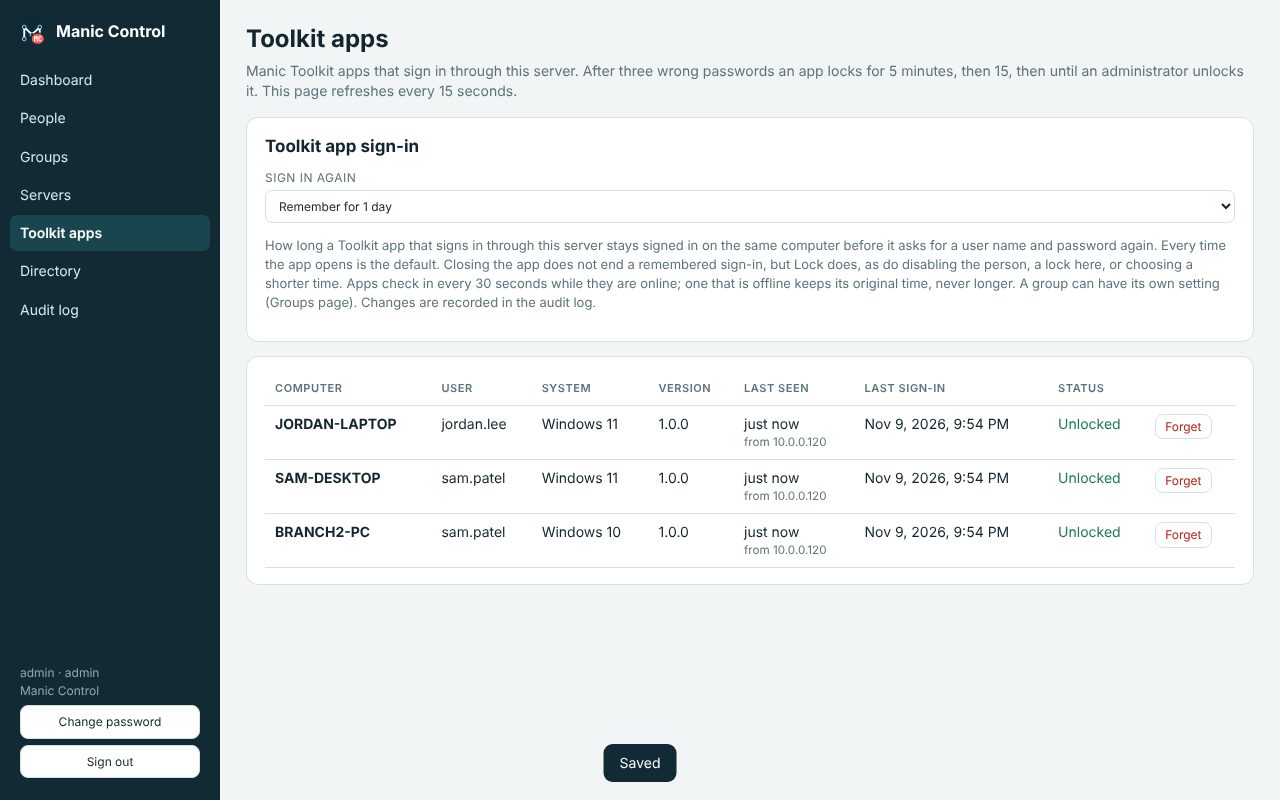
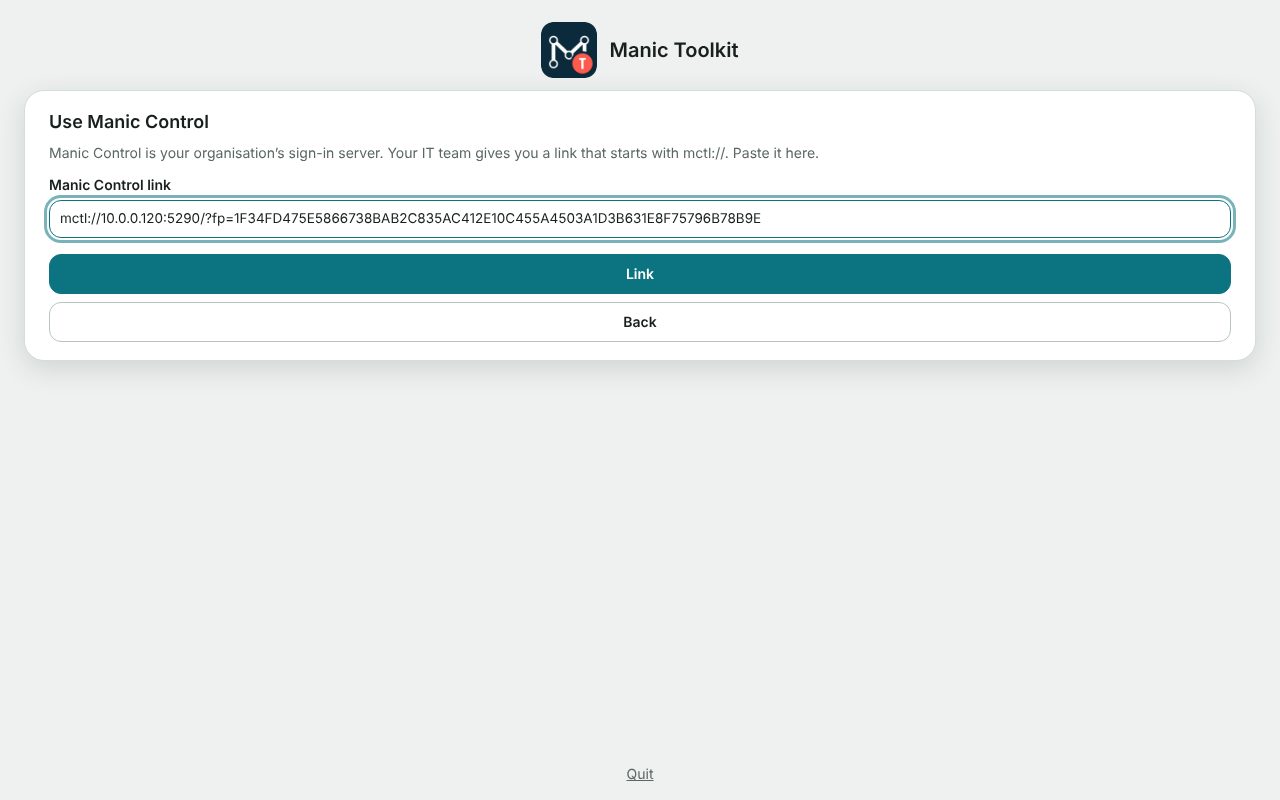
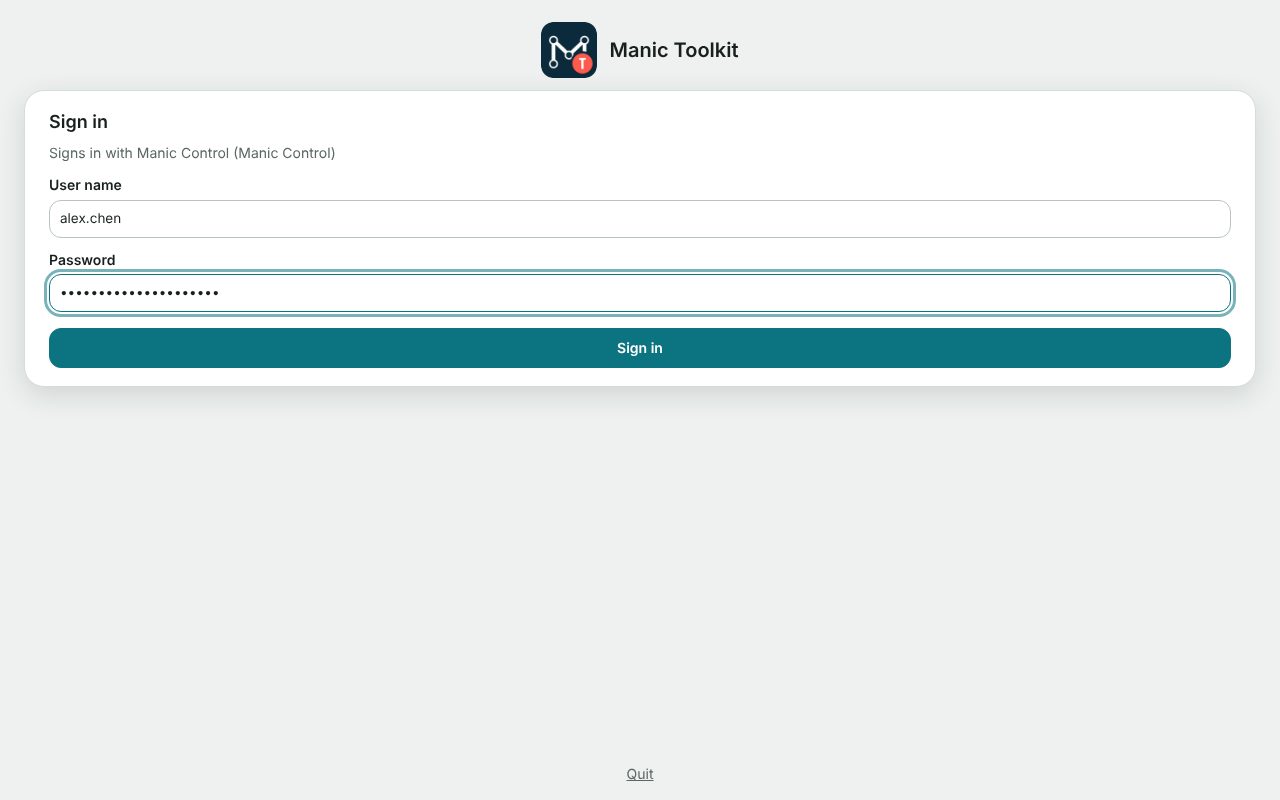
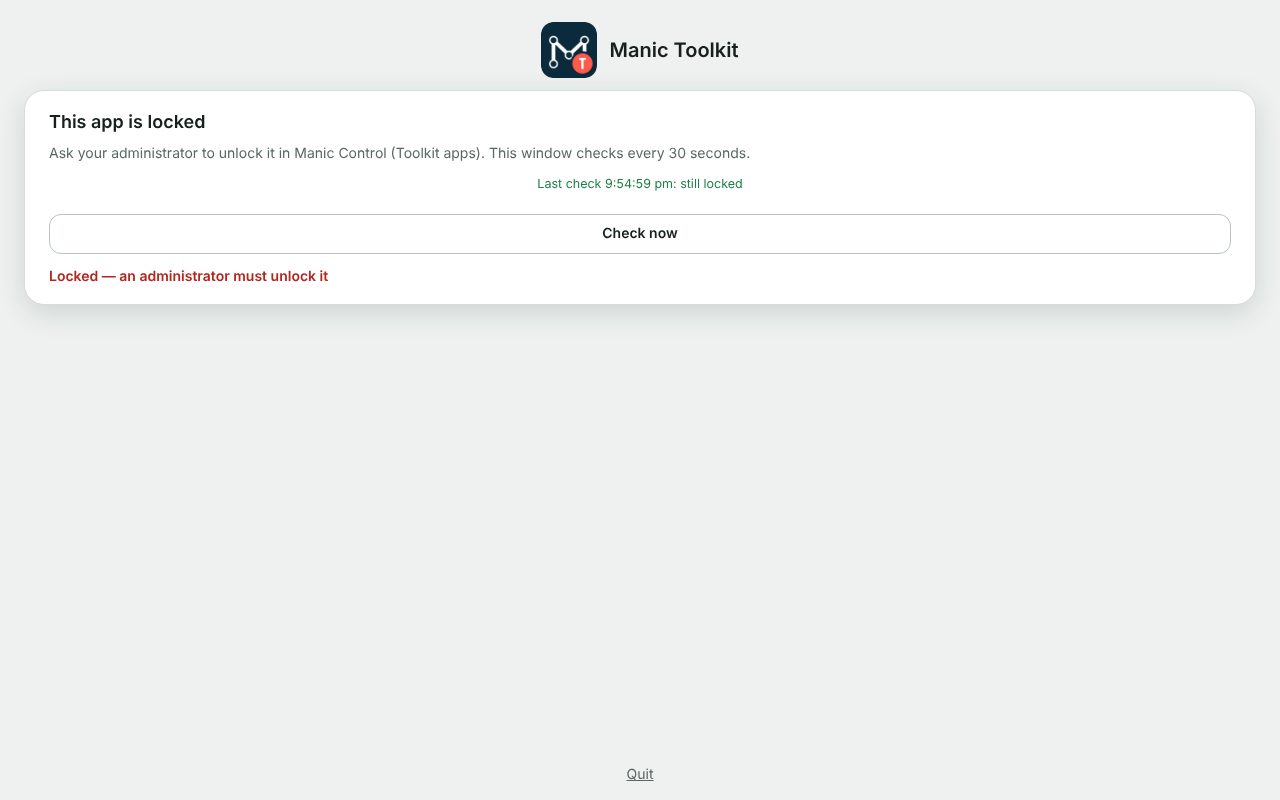
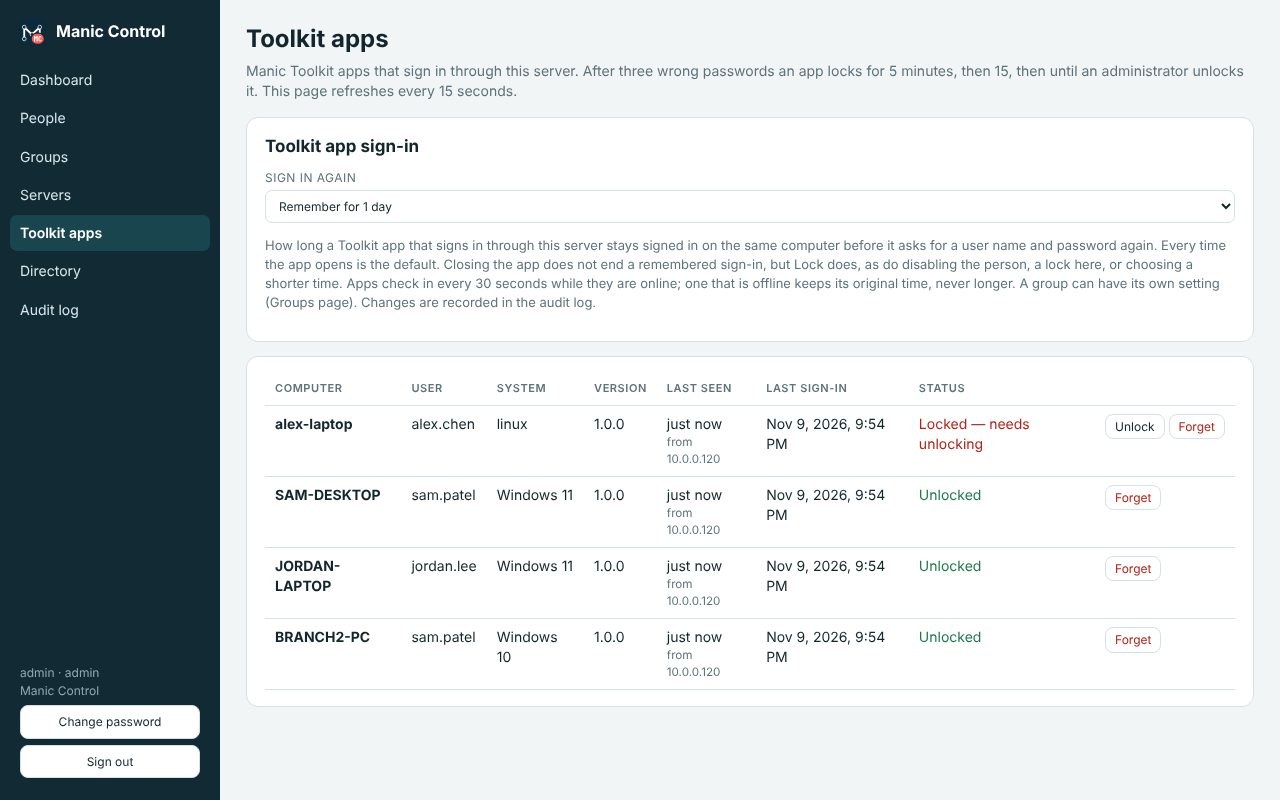
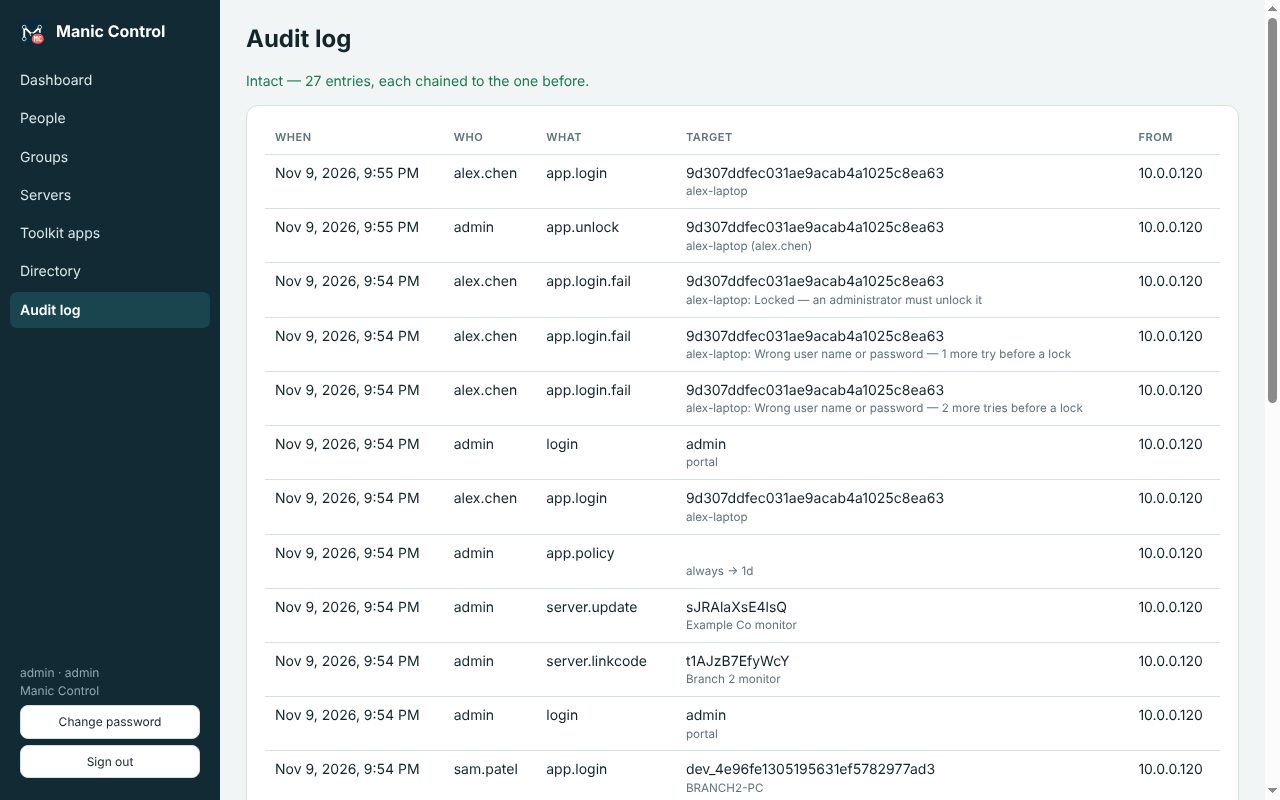
Control dashboard Linked servers, people, locked apps and the link for Toolkit apps at a glance.People Every person, their groups and the role they get on each linked server.Groups and app sign-in override Groups map to directory groups, and each can set its own Toolkit app sign-in time.Directory sign-in Connect Active Directory or any LDAP server. A test sign-in shows the groups the directory returns.Linked servers and role map Each linked server has a role map: the first line that matches a person decides their role.Toolkit app sign-in policy Set how long a Toolkit app stays signed in, and see every computer that signs in through Control.Link the app to Control The Toolkit app asks for the Manic Control link from your IT team, then signs in with the same account.App sign-in through Control The app signs in with a Control account, and keeps a sealed last-good sign-in in case Control cannot be reached.A locked app After repeated wrong passwords the app locks fully and shows a lock code. It keeps checking Control every 30 seconds.Locked app, seen from Control The Toolkit apps page flags the locked computer; an administrator unlocks it with one click.Audit log Every sign-in, lock, unlock and change is recorded, each entry chained to the one before.
Ready to try it?
A free account and permission server for Windows Server, Linux or Docker, linking your Manic Pulse and Manic Vault Team servers and Manic Toolkit apps.